
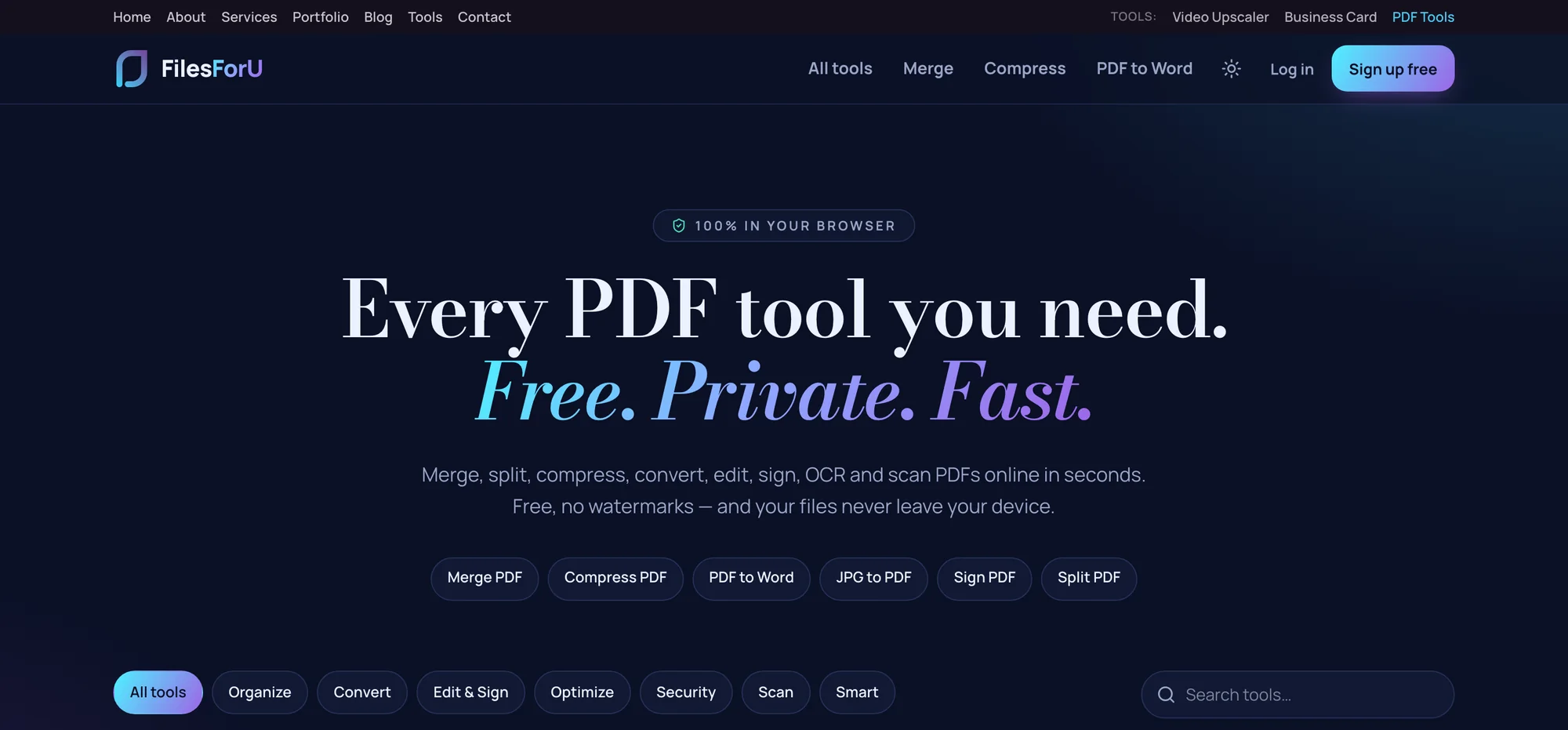
Most PDF websites ask you to upload your file to their server, wait while it processes, then download the result — and they either put a watermark on it or cap you at a few free jobs a day. FilesForU, our free PDF toolkit, does none of that. Every tool runs inside your own browser, so your documents never leave your device, there are no watermarks, and there is no daily limit. It is completely free, and you can try it now at filesforu.com.
Whether you need to merge a stack of invoices, shrink a file that is too big to email, turn a PDF into an editable Word document, sign a contract or pull the text out of a scan, it is all in one place. Here is what makes it different — and the full list of what is inside.
Your Files Never Leave Your Device
This is the part that matters most. When you open a PDF in FilesForU, it is processed right there on your device and is never uploaded. Our server only sends you the web page — it never sees your document. That means sensitive contracts, passports, bank statements and client files stay with you, which is exactly how it should be. It also makes everything fast: with nothing to upload or download, even large files are handled instantly.
The Advantages at a Glance
FilesForU is built around a simple idea: give people a full PDF workflow without the two things that make other sites frustrating — the upload, and the bill.
- 100% free — every tool, no paywall, no trial that expires.
- Private by design — your files are processed in your browser and never uploaded.
- No upload wait — nothing is sent to a server, so big files are handled instantly.
- No watermarks — the file you get out is clean, with nothing stamped on it.
- Nothing to install — it runs in any modern browser on laptop, tablet or phone.
- A complete toolkit — 29 tools covering the whole PDF workflow in one tab.
Every Tool Inside FilesForU
There are 29 tools in total, grouped the way they appear on the site so you can find what you need quickly:
- Organise (6): Merge PDF, Split PDF, Organize PDF, Rotate PDF, Remove Pages, Extract Pages.
- Convert (9): JPG to PDF, PDF to JPG, Word to PDF, PDF to Word, Excel to PDF, PDF to Excel, PowerPoint to PDF, HTML to PDF, PDF to Text.
- Edit & Sign (5): Sign PDF, Fill PDF Form, Edit PDF, Watermark, Page Numbers.
- Optimise (4): Compress PDF, OCR PDF, Repair PDF, PDF to PDF/A.
- Security (2): Protect PDF, Unlock PDF.
- Scan (1): Scan to PDF.
- Smart AI (2): Ask PDF, Summarize PDF.
The Bottom Line
FilesForU gives you a full PDF workflow without the upload and without the bill. Your files stay private because they never leave your browser, the result comes out clean with no watermark, and every tool is free with no daily cap. Bookmark filesforu.com the next time a PDF gets in your way.
Need help putting this into practice? See our web design and digital marketing services in Dubai, browse recent client work, or get in touch for a free quote.